Helping engineering teams bring an AI coding agent into the tools they already use.
Aidan is an AI agent that writes code for engineering teams. Engineers give it work the way they'd ask a colleague, by mentioning it in Slack or on a pull request. When the founder brought me in, Ninenines was a written brief and nothing else. Over a period of one month I designed the whole dashboard, from the first setup screens to activity logs, billing and admin settings. I ran the design process with AI, starting with a brainstorm in Claude Code and finishing with polished screens in Figma.
Key outcomes: 18 flows designed and specced, with every screen state and edge case · One integrations page that replaced two separate connection flows.
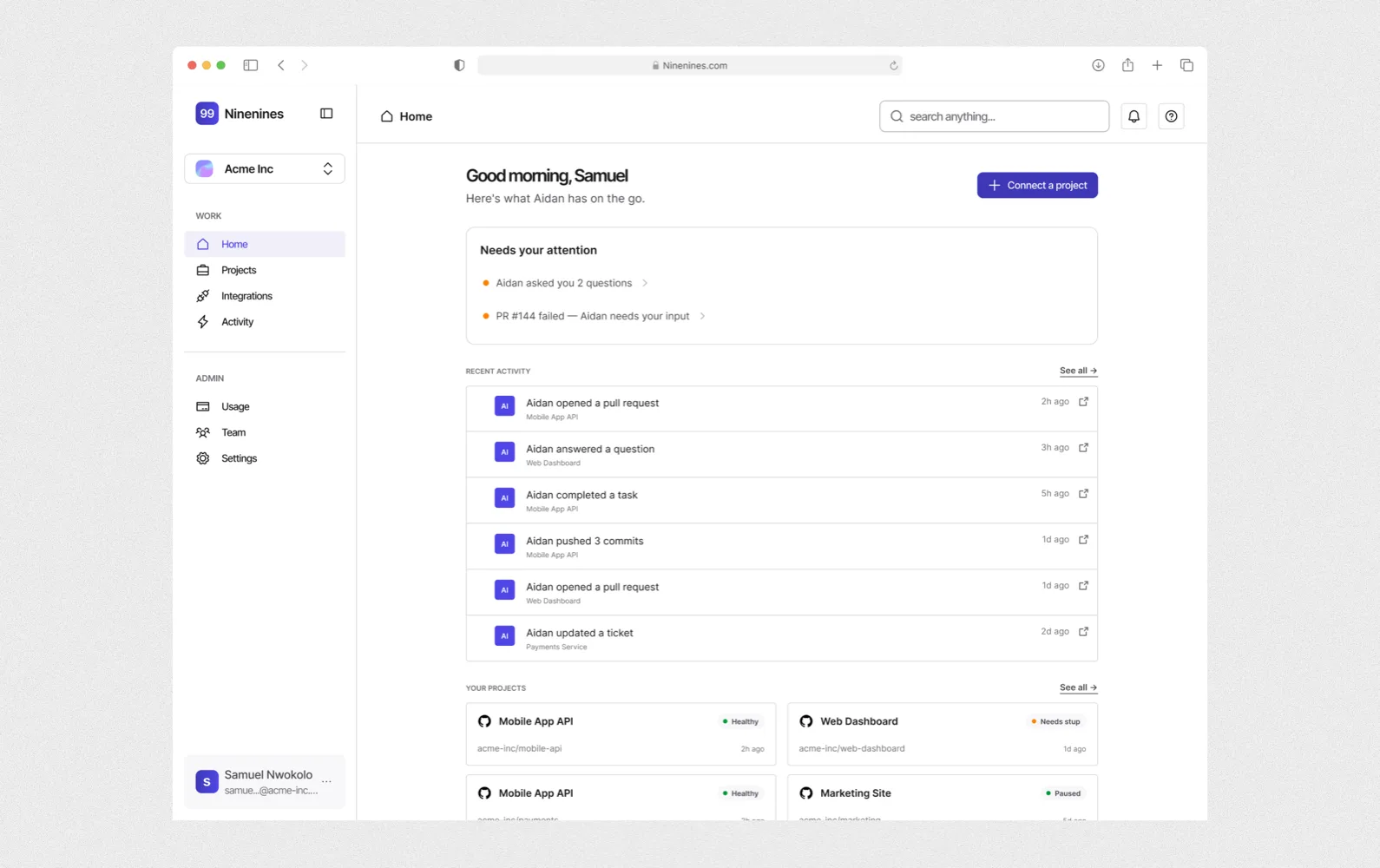
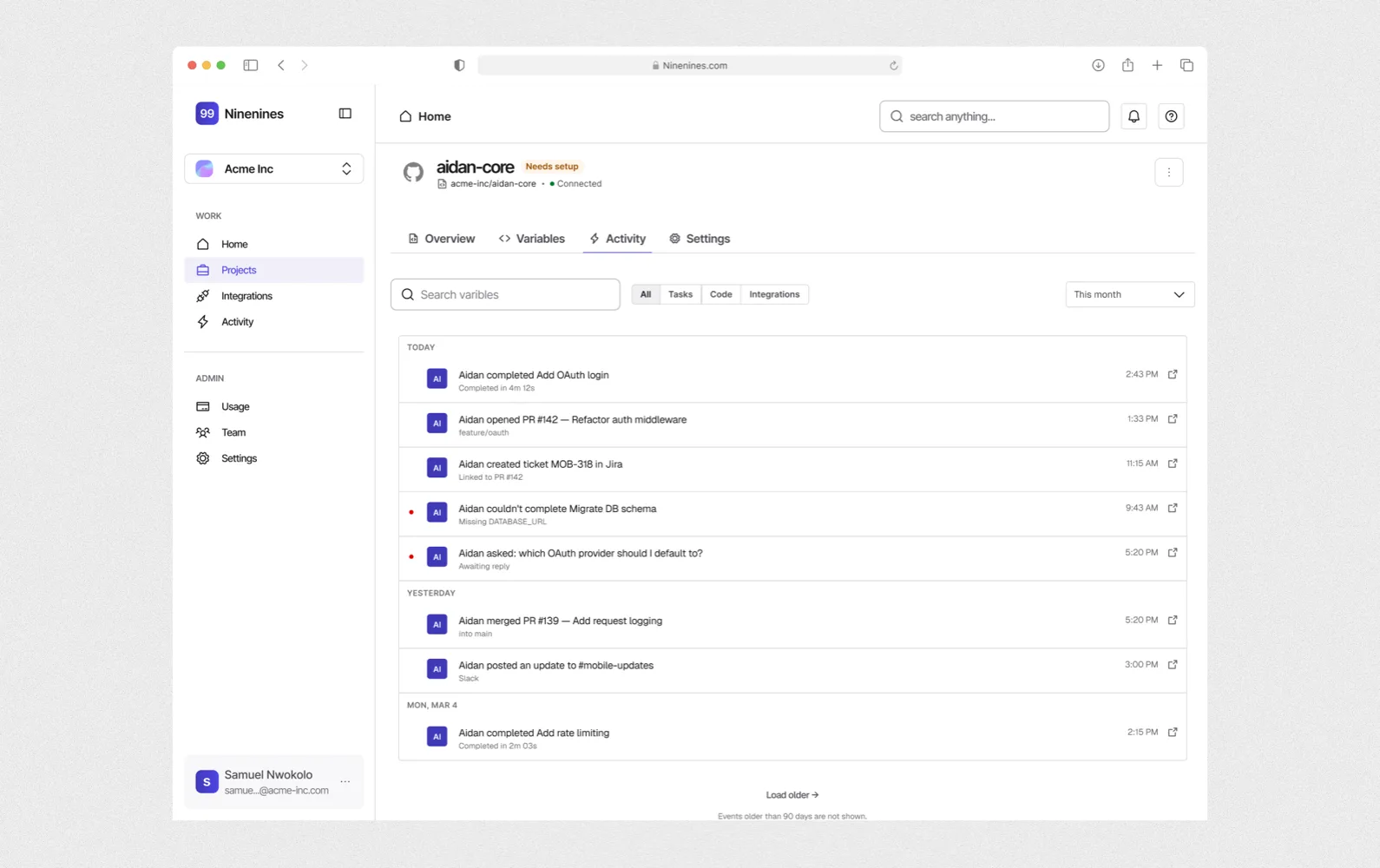
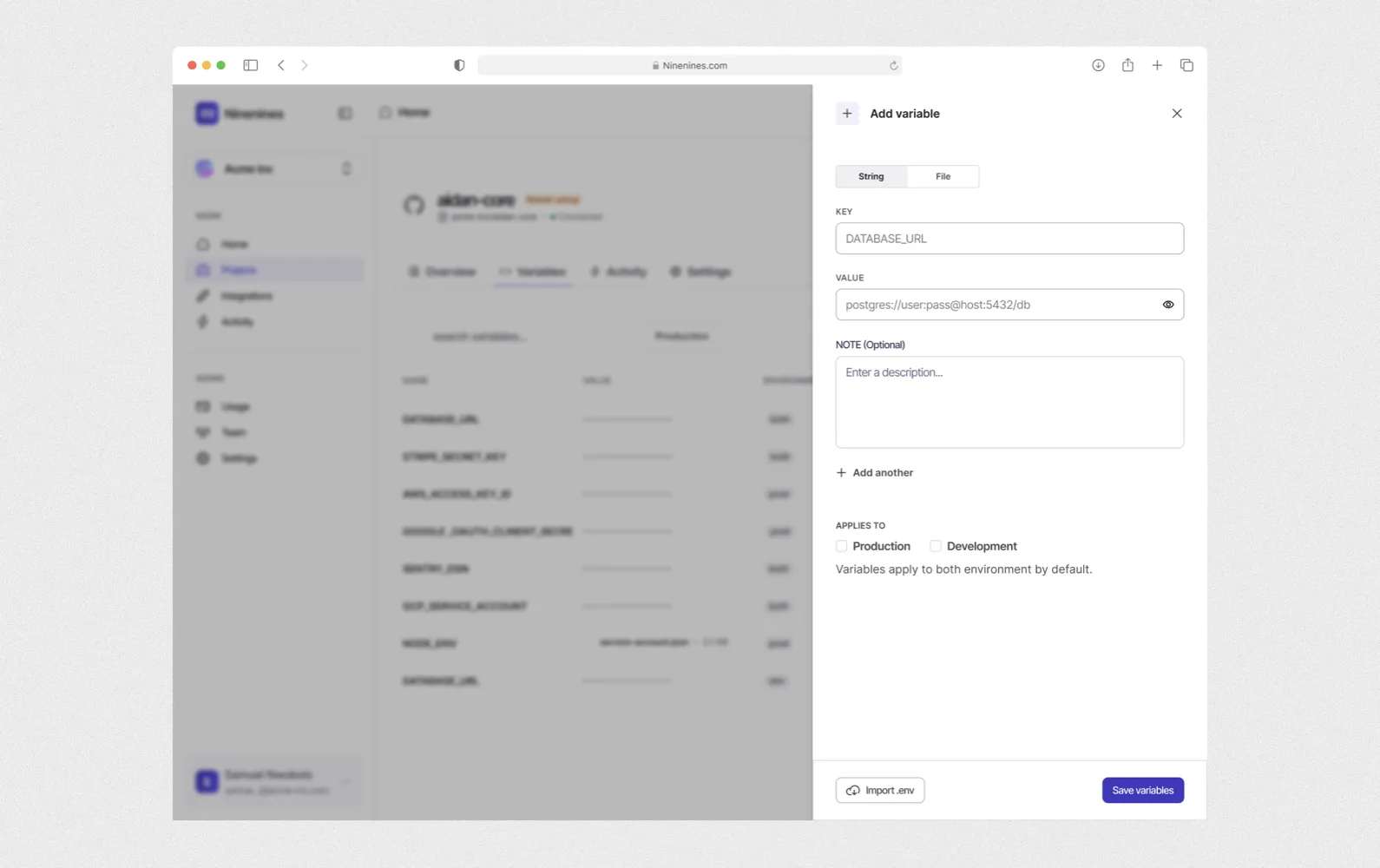
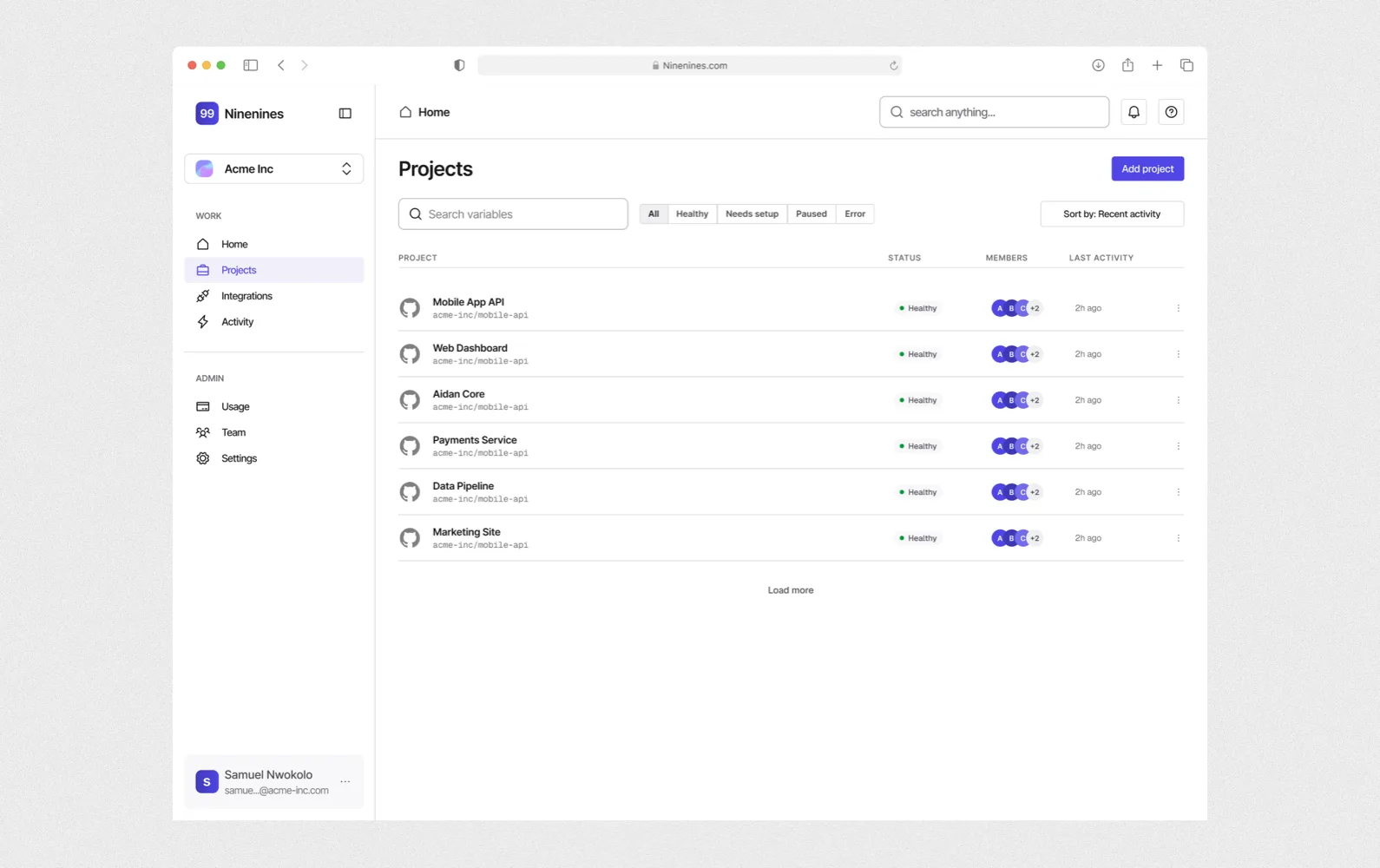
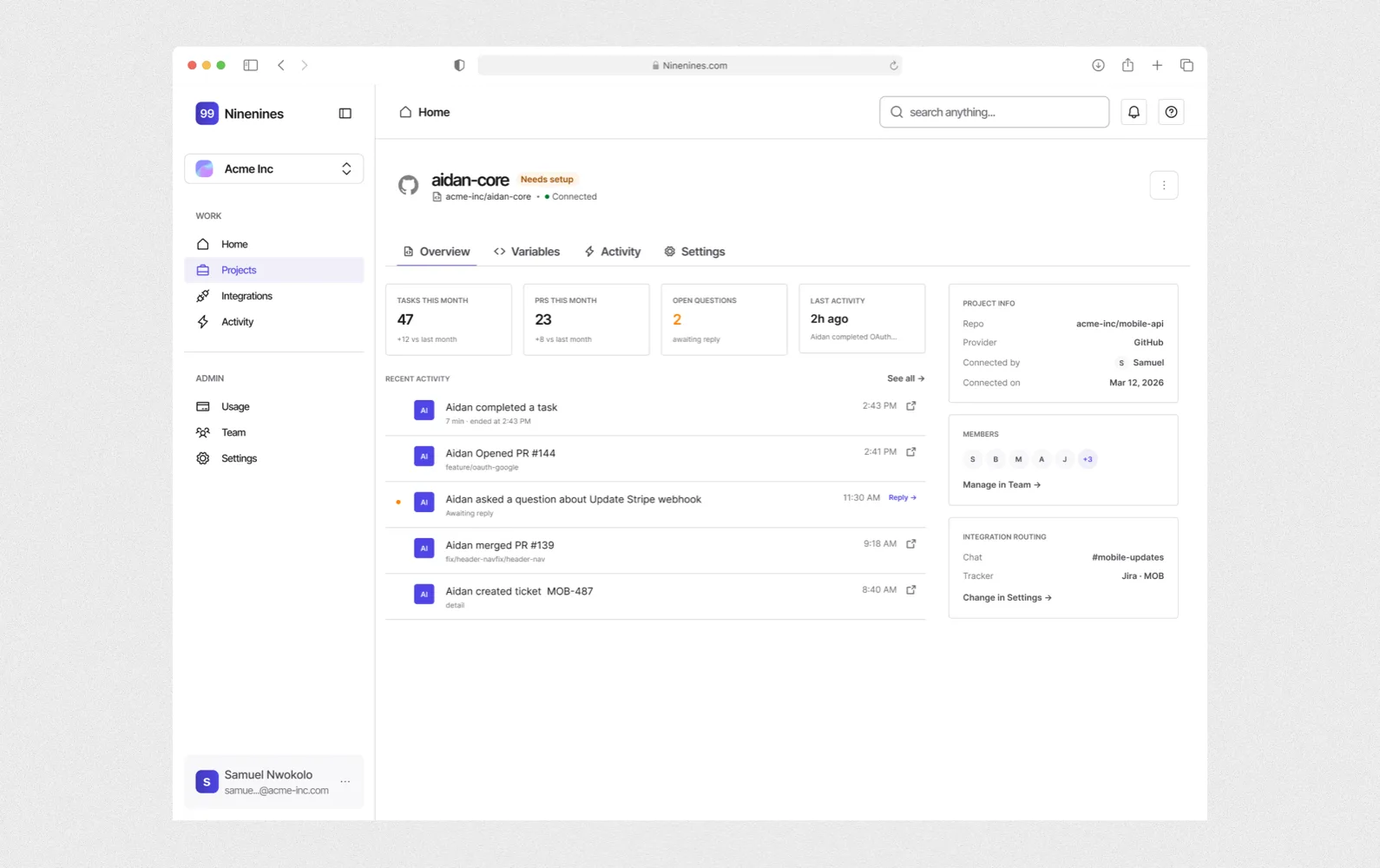
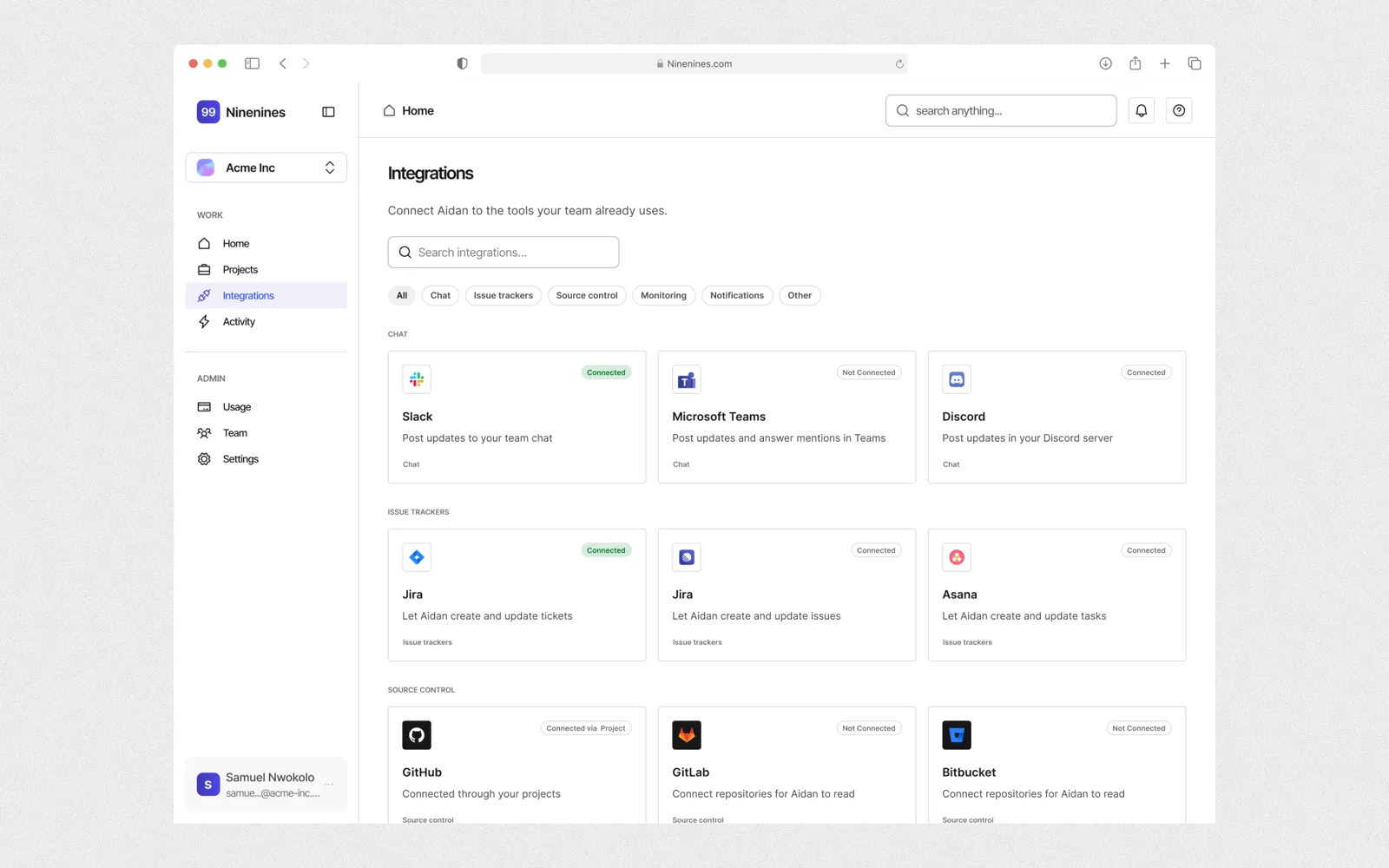
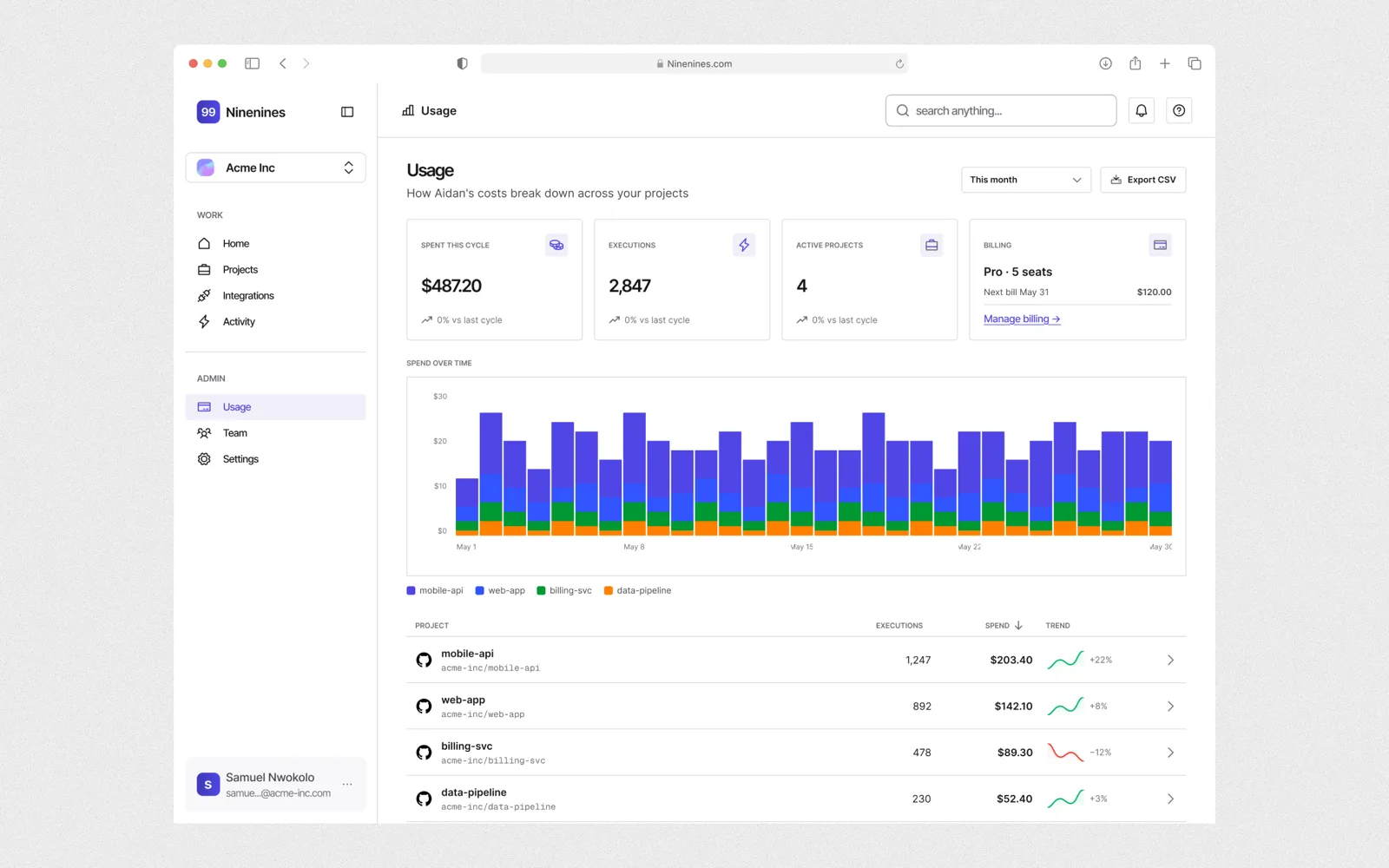
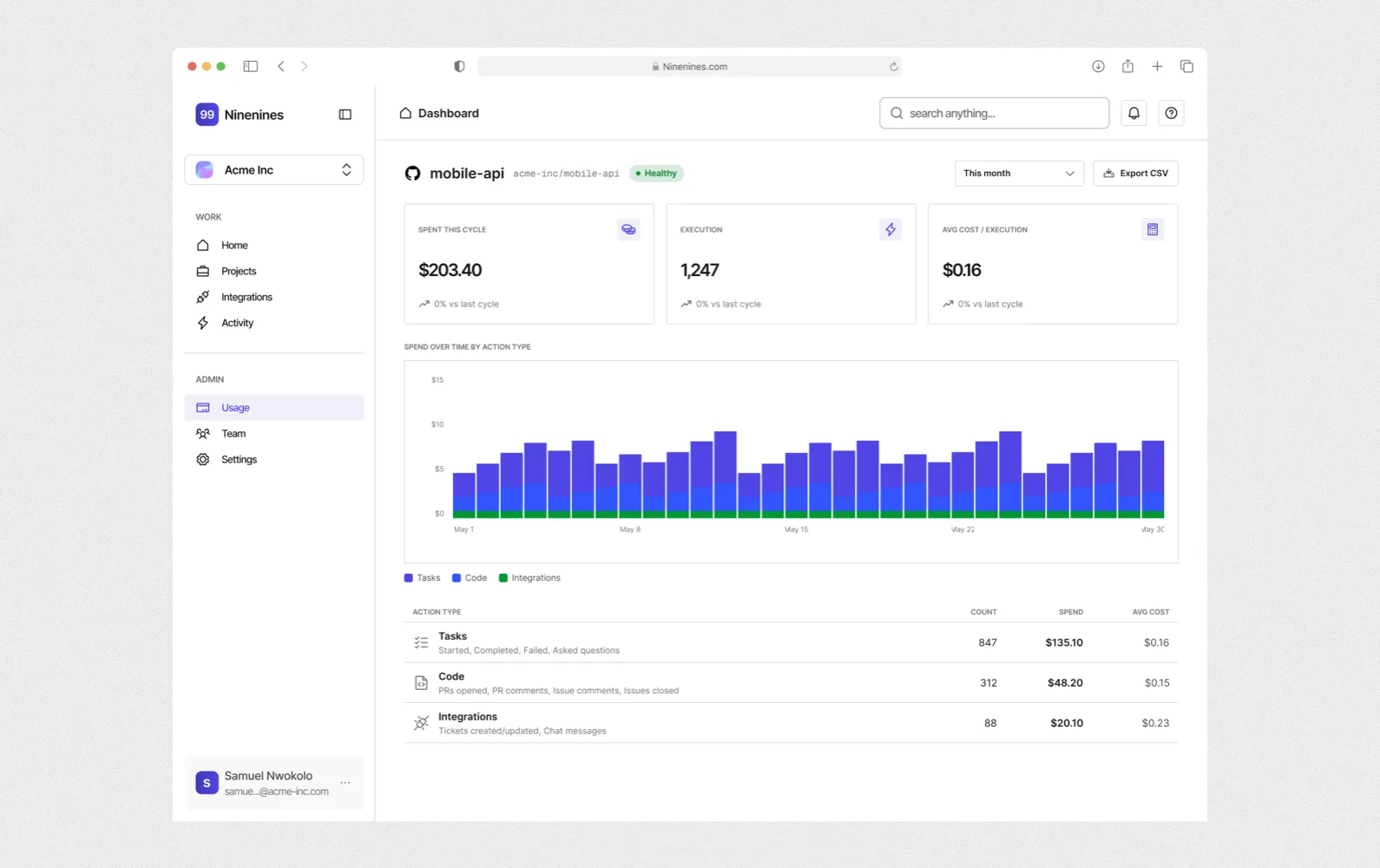
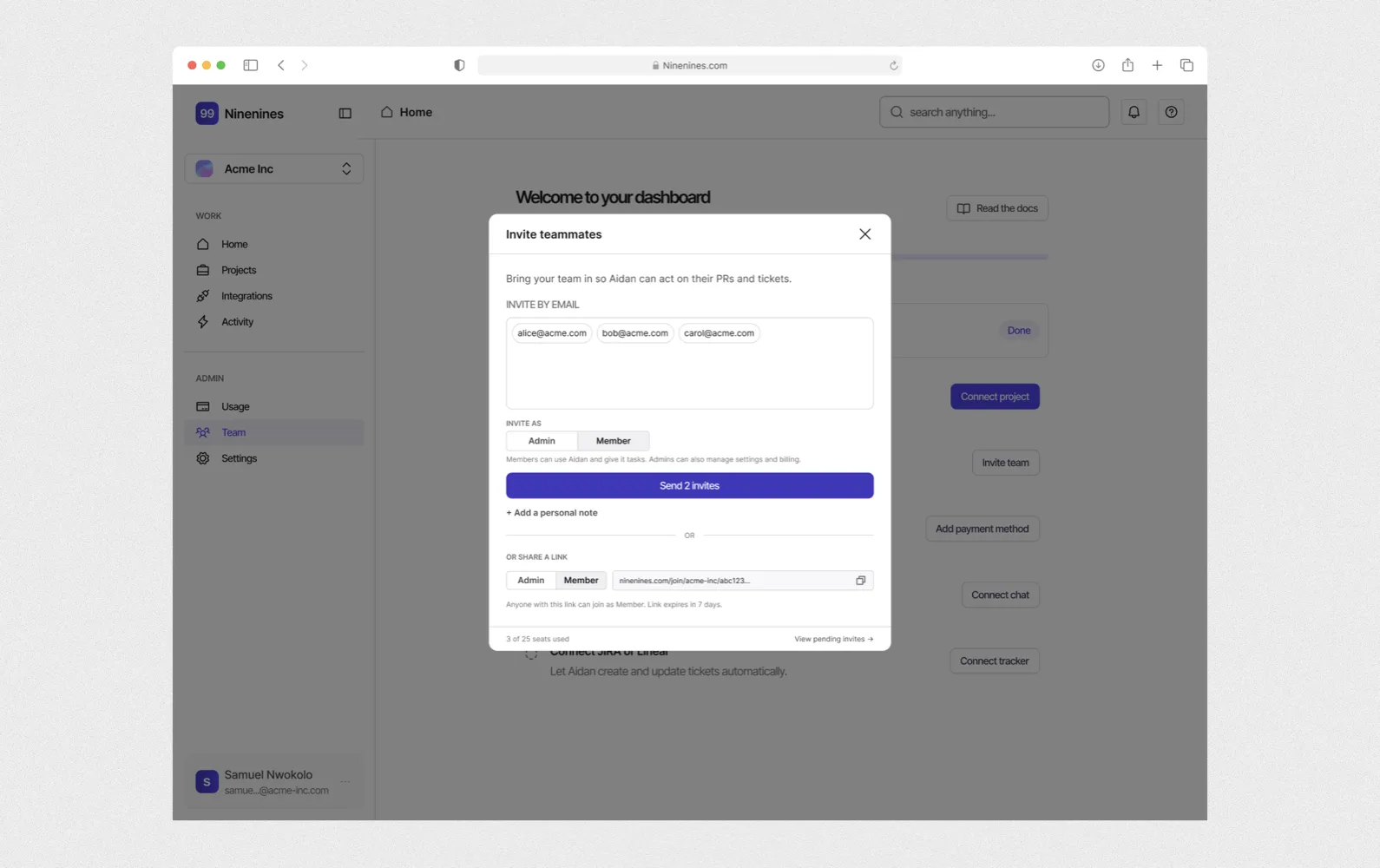
Engineering teams needed Aidan to work inside their own tools, and needed to trust what it did there.
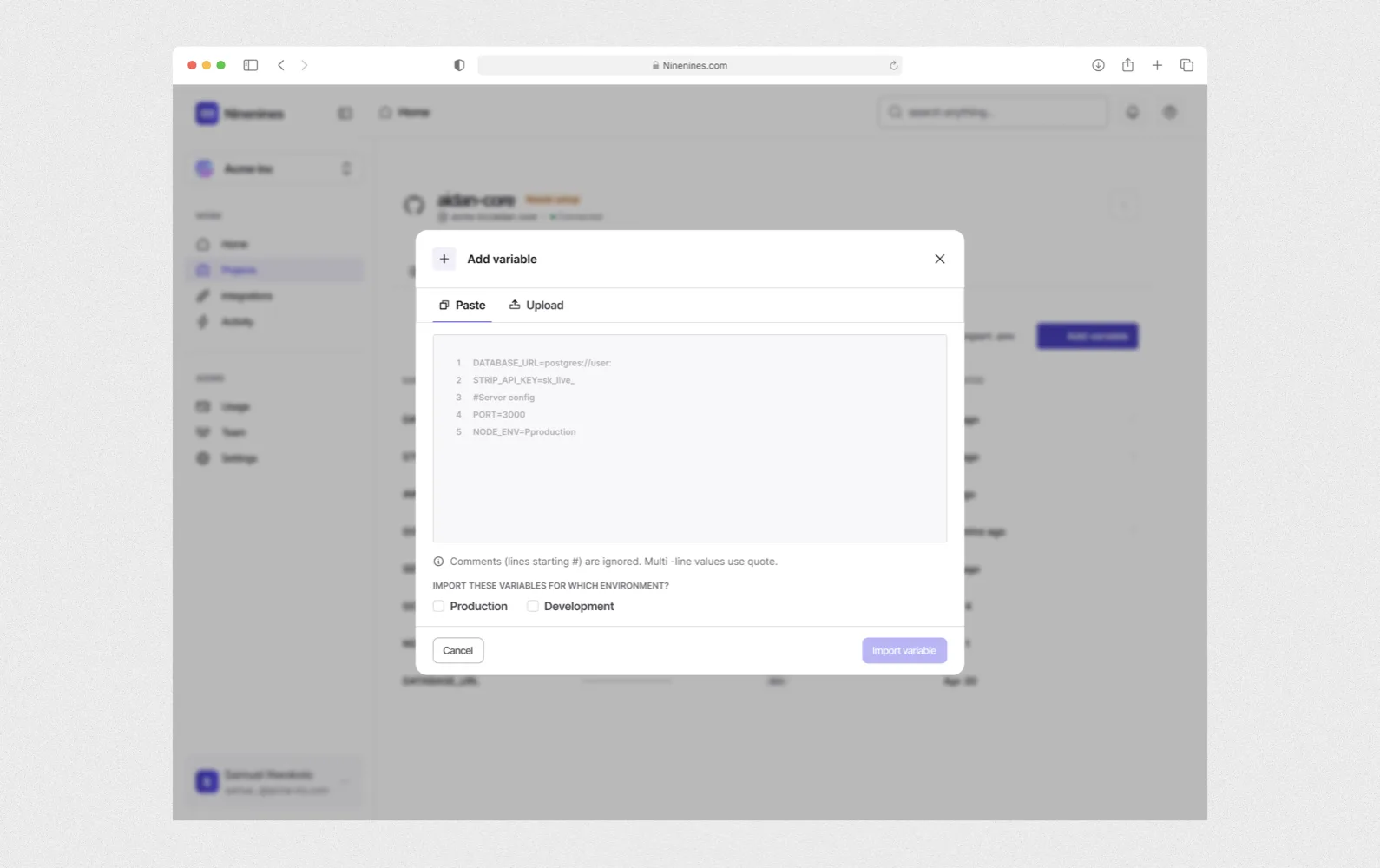
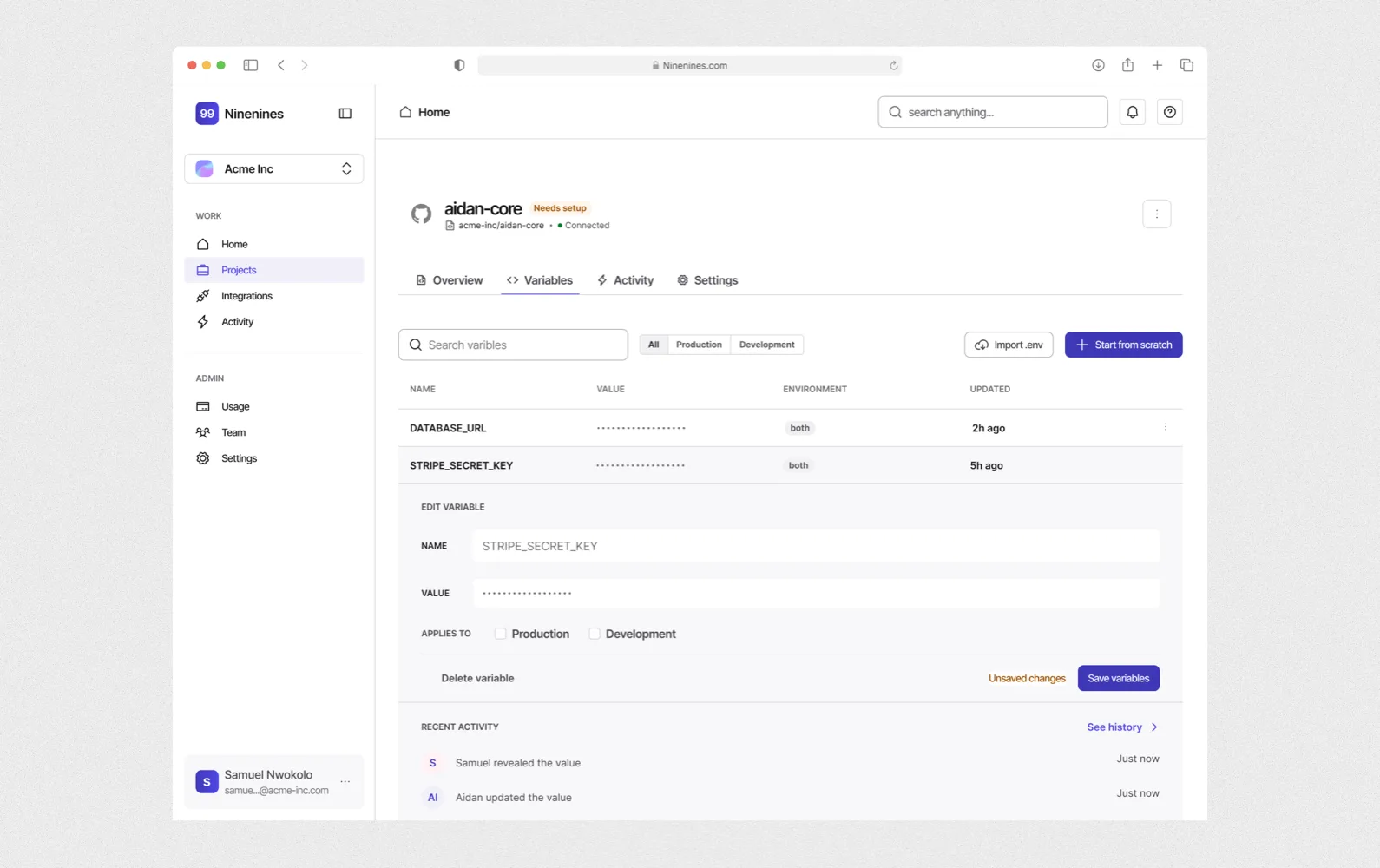
Engineering teams already live in GitHub, Slack and their issue tracker. An AI agent is only useful to them if it joins those tools the way a new hire would: it gets access to the code, joins the team chat and picks up tickets. The brief was built on the idea that teams won't adopt an agent that makes them switch apps. They also needed to trust it, since Aidan reads their code and their secrets, like database passwords and API keys.
The founder needed a dashboard that got a team connected quickly, then gave them a clear view of what Aidan was doing, without becoming another place they had to work in.
There was no budget or time for user research, so I worked from the founder's brief and from patterns engineers already know from tools like Vercel and GitHub.
How might we help an engineering team bring Aidan into the tools they already use, and trust what it does there?
Using AI in my workflow.
This was the first project I designed with AI from ideation down to visual design. I started with the brainstorm skill in Claude Code, working through the founder's brief until I had a product requirements document. The brainstorm was a back-and-forth conversation, and when the AI started drifting away from the brief, I steered it back, so the document described the product the founder had in mind.
That document drove the visual design in pencil.dev, an AI design tool, where I laid out the first version of each flow. I then moved the designs into Figma to polish them. Because I was working alone, the requirements document was what I checked every screen against. I now start projects this way.
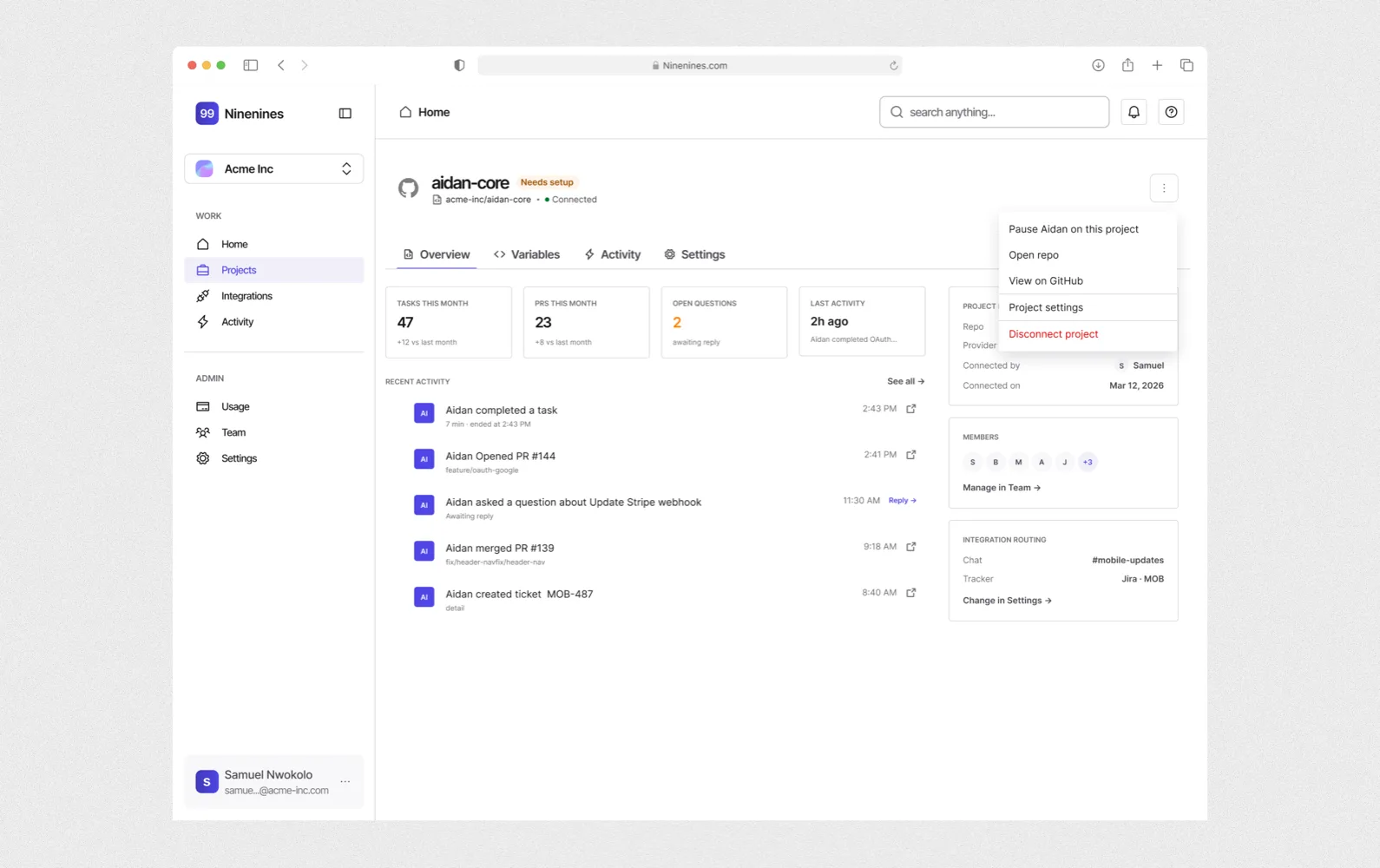
I designed the dashboard for setting Aidan up and checking on it, and kept the real work in Slack and GitHub.
Ninenines hasn't launched, so there are no results yet. The designs cover 18 flows, including onboarding, activity logs, usage and billing, team and admin settings, error pages and email templates. Each one is specced with its screen states, copy and edge cases.
Metrics I'd track after launch:
- Activation: percentage of new teams that connect a repository in their first week
- First task: how long it takes a team to give Aidan its first piece of work after sign-up
- Oversight: how often admins open the activity log and usage page
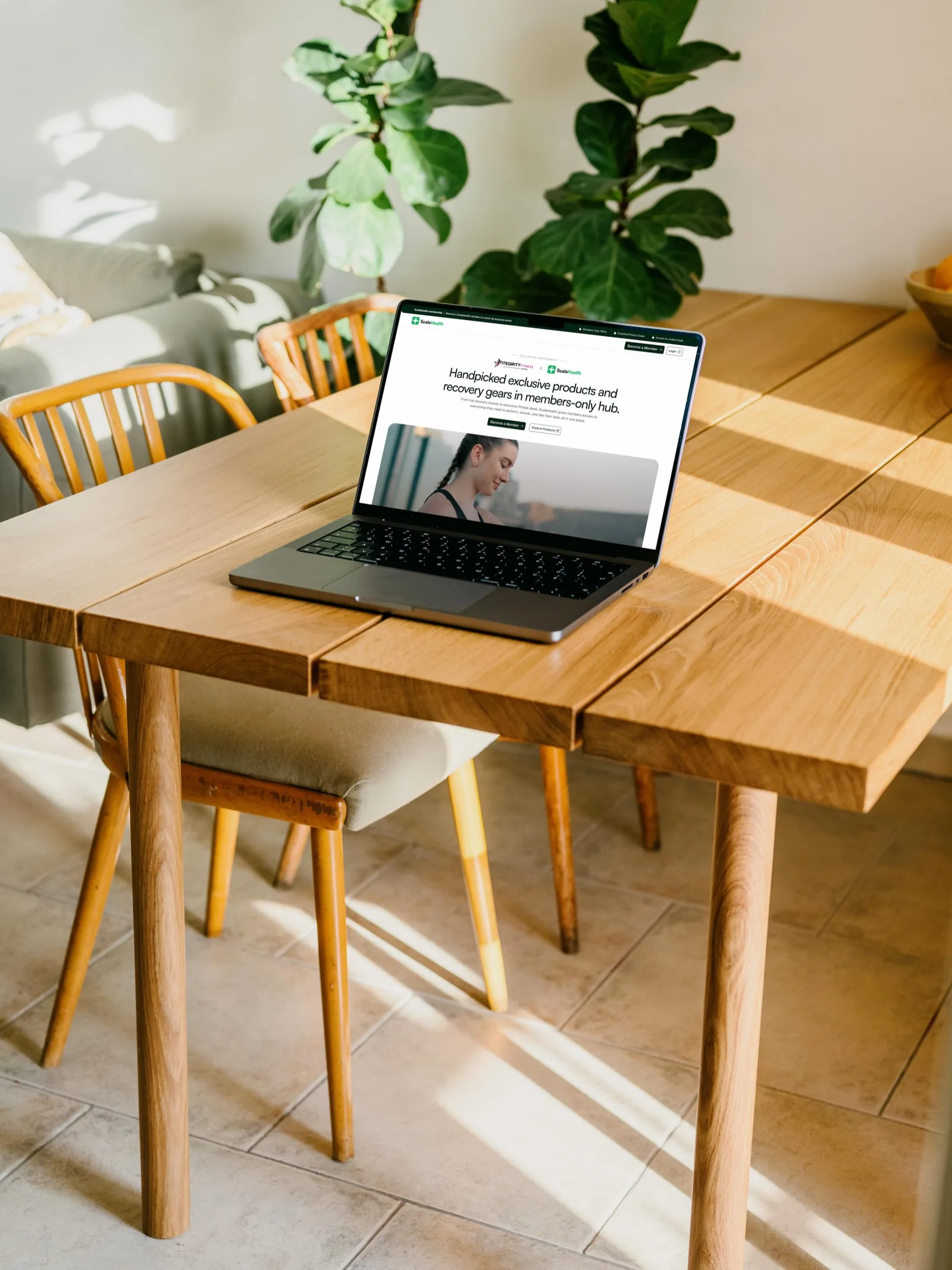
Scale Health
A co-branded page for every ScaleHealth partner.
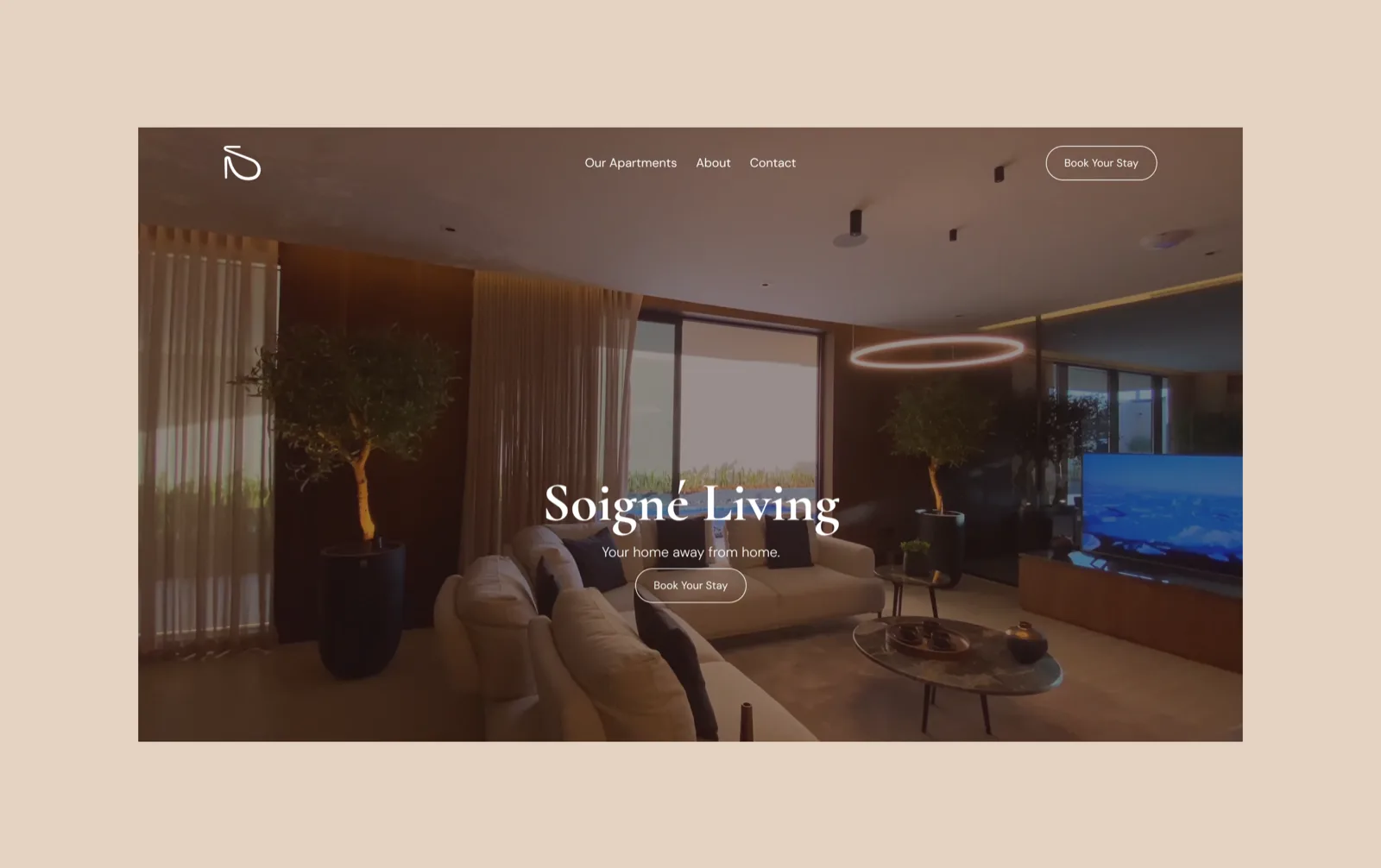
Soigné Living
A booking website for serviced apartments in Lekki, Lagos.
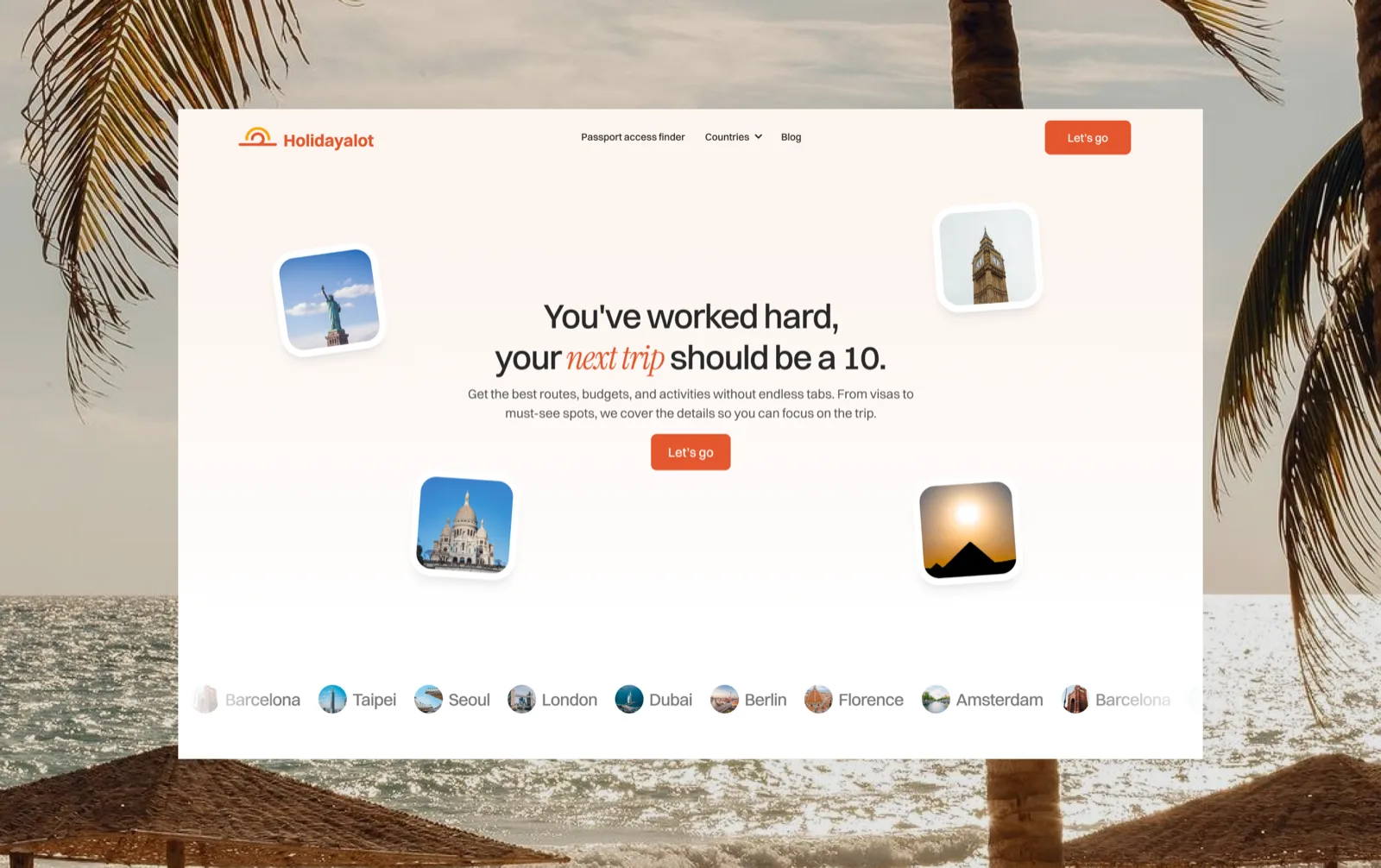
Holidayalot Landing Page Experience
Designing the landing page that turns Holidayalot's trip-planning pitch into signups.
I'm always open to hearing about new projects or collaborations.
Send me a note and I'll get in touch!
Email me at nwokoloikem@gmail.com .